

Digital Project Life
Welcome to Digital Project Life! Digital Project Life pairs our Project Life kits in digital format with Photoshop Elements to help you create beautiful layouts with a few clicks of your mouse. Excited to get started? Pull up a chair, grab a snack, and we will guide you through the process.
What you need to get started:

Step 1:
Download and install Photoshop Elements. You can download a free 30-day trial at adobe.com.
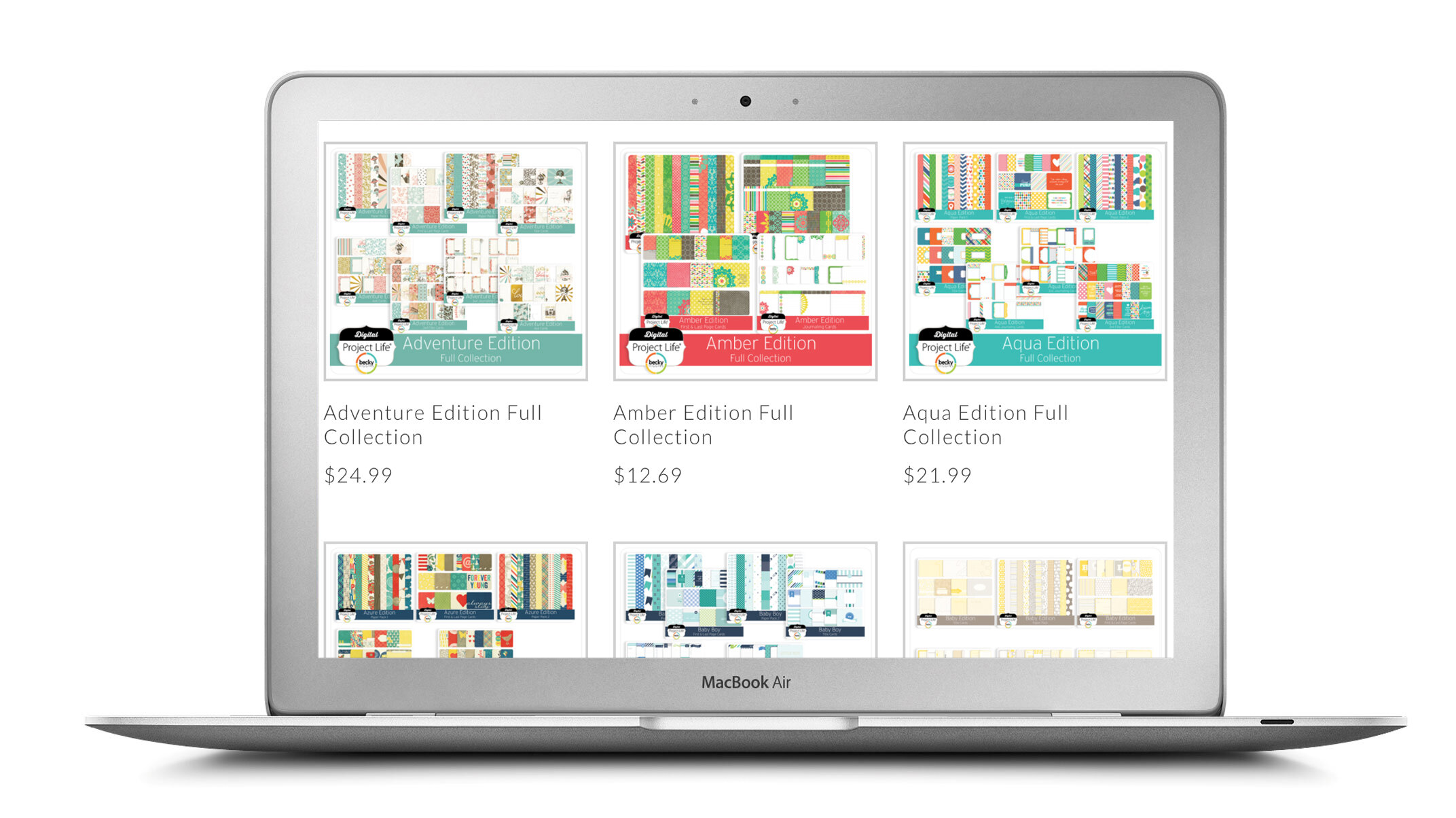
Step 2:
Pick a Digital Project Life Core Kit. Make sure to also pick up our free Digital Project Life Starter Kit.

Step 3:
Choose your Digital Page Templates.

Tutorials
Learn basic photo editing, how to use templates, how to add journaling, and how to add a variety of embellishments with our FREE digital video tutorials on our YouTube channel.
Printing Options
A- Print your layout at home.
B- Import your completed 12×12 layouts into the Project Life App and order your individual prints through the app.
C- Upload your completed prints to a commercial printer. Choose to have them printed as individual layouts or a bound book. (Availability of printing options depends on the commercial printer.)